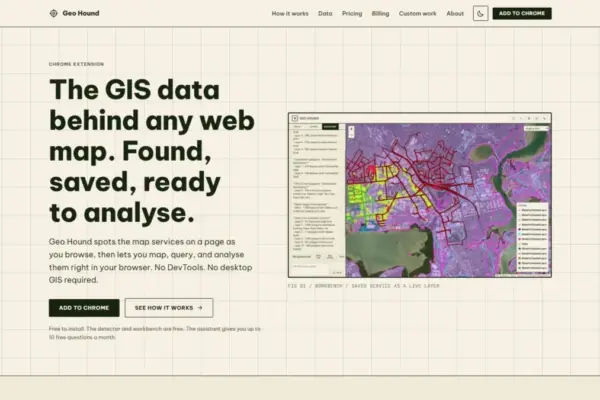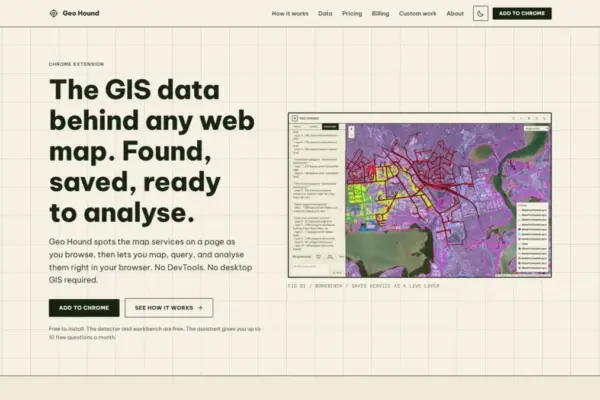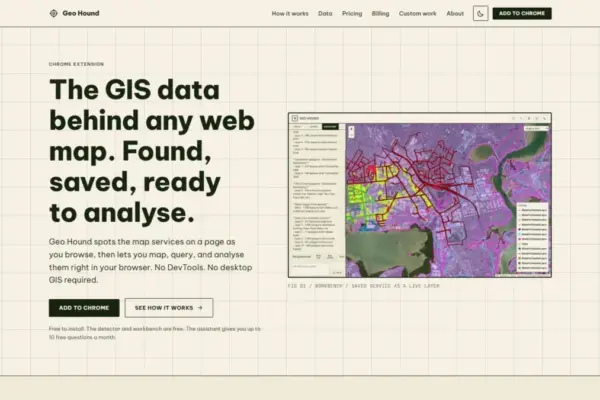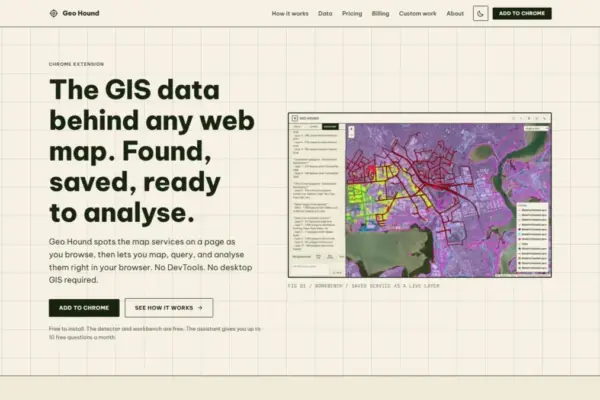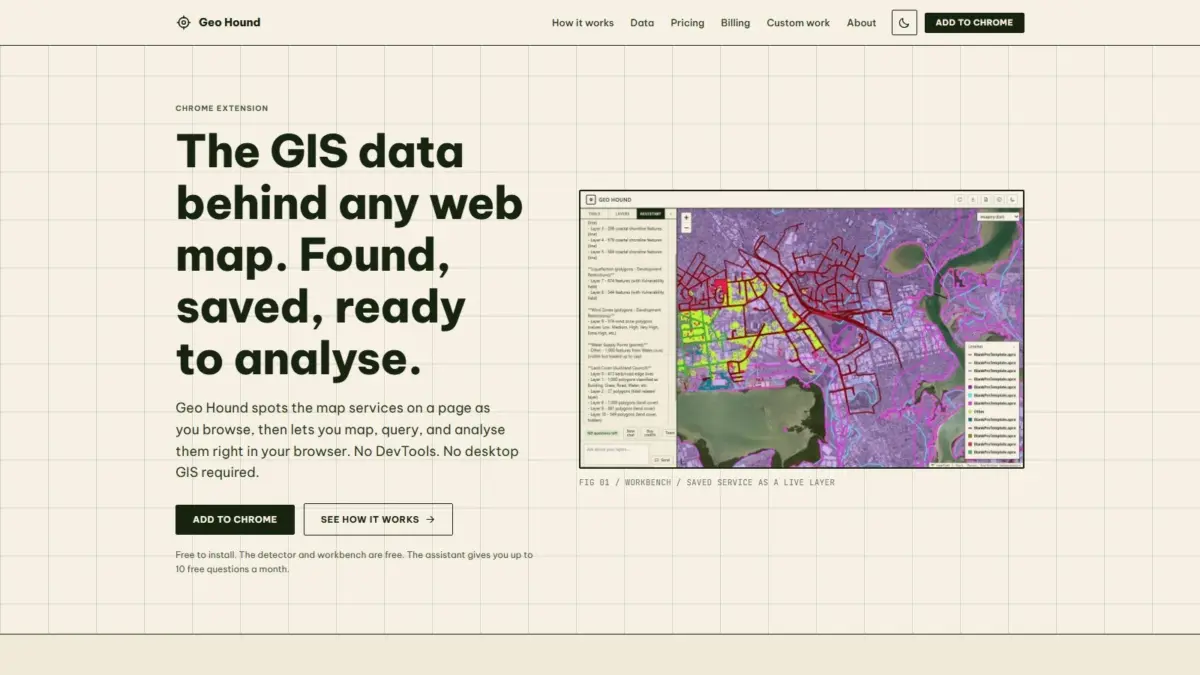
Geospatial specialist Daniel O’Donohue, widely known as the voice and creator behind The MapScaping Podcast, has announced the launch of GeoHound, a dedicated Google Chrome browser extension engineered to automatically detect, save, and process geospatial data layers embedded within web maps across the internet. Designed to streamline data discovery and eliminate technical friction for spatial professionals and enthusiasts alike, the software identifies underlying web services in real time as users navigate standard web pages, automatically capturing associated metadata and providing an integrated workspace for browser-based geospatial analysis.
Web-based mapping interfaces have become ubiquitous across modern digital platforms, serving essential roles in municipal administration, urban planning, environmental tracking, location intelligence, and public communication. However, determining where the underlying data originates and how to access the raw spatial services feeding a visual map interface has historically presented a technical barrier. In conventional workflows, extracting spatial endpoints from an interactive web application required opening browser developer tools—a tedious and manual process often referred to in the geospatial industry as DevTools spelunking. Users were required to monitor network traffic tabs, filter through complex payload logs, identify request parameters, and reconstruct URL endpoints manually. GeoHound addresses this operational bottleneck by automating the detection mechanism entirely within the browser background, removing the necessity for manual network monitoring or specialized developer tools.
As users browse map-enabled web pages in Google Chrome, GeoHound silently identifies the underlying services powering the visual cartography. The extension boasts broad detection capabilities, recognizing 29 distinct types of geospatial services and file structures. The supported protocol list spans traditional Open Geospatial Consortium standards, including Web Map Service and Web Feature Service protocols, alongside modern OGC APIs designed for web-native spatial data interaction. The software also detects commercial enterprise service endpoints, such as ArcGIS REST services, as well as a broad spectrum of vector and raster tile service architectures that drive high-performance interactive maps. Additionally, GeoHound captures client-side spatial file formats rendered directly in web pages, including GeoJSON structures.
A core component of GeoHound’s detection engine is its commitment to metadata preservation. When a spatial service or layer is identified, the extension does not merely log a isolated web link; it captures and archives the complete metadata framework accompanying the layer. Metadata retention is vital within geographic information systems, as it supplies critical context regarding spatial reference systems, attribute schema definitions, feature definitions, coordinate precision, layer extent capabilities, and data lineage. By automatically archiving this metadata alongside the identified service, GeoHound ensures that users retain the full analytical context necessary to interpret, trust, and deploy the captured spatial data effectively.
Beyond data discovery and service detection, GeoHound incorporates a built-in browser workbench that transitions the software from a passive monitoring tool into an active analytical platform. Historically, performing spatial operations on data discovered on the web required exporting endpoints into external desktop software suites, such as QGIS or ArcGIS Pro. GeoHound challenges this reliance on desktop GIS for routine spatial tasks by providing native processing capabilities directly inside the Chrome browser interface. Once layers are detected and saved, users can launch the built-in workbench immediately without leaving the web page or launching external desktop applications.
The built-in workbench provides a suite of foundational geoprocessing tools that enable users to manipulate and evaluate spatial layers on the fly. Within the browser environment, users can filter vector feature tables based on specific attribute criteria, isolating relevant subsets of data without modifying the source endpoint. The workbench also supports buffering operations, allowing users to generate proximity zones around point, line, or polygon geometries directly within the interface. For workflows involving multiple spatial datasets, the system provides joining capabilities, enabling users to combine attribute tables or link separate spatial layers captured during browsing sessions. Once filtering, buffering, or joining operations are completed, the workbench allows users to export the processed datasets directly into standard formats, facilitating immediate downstream integration into broader project workflows.
To further lower the technical barrier to entry for spatial manipulation, GeoHound incorporates an integrated artificial intelligence assistant designed to execute complex GIS tasks on saved layers using plain English commands. Rather than requiring users to manually construct attribute query expressions, configure multi-step spatial join dialogues, or set up explicit geometric buffering routines through software menus, the AI assistant interprets natural language instructions. Users can type simple plain English prompts describing their desired spatial task, and the assistant executes the corresponding GIS operations on the selected layers within the workbench, streamlining spatial analysis and expanding access to complex geoprocessing workflows.
GeoHound’s availability model is structured to make core spatial tools widely accessible to the broader community. The underlying detection engine, automated service listener, metadata catalog, and complete in-browser workbench are available to users free of charge. The inclusion of the natural language AI assistant complements these free tools, offering an automated, conversational interface for running spatial routines on captured web layers.
The creation of GeoHound is rooted in the practical domain experience of its creator, Daniel O’Donohue. As a professional geospatial specialist, O’Donohue has built a career focused on harnessing the power of spatial data and spatial thinking to unravel complex geographical and environmental challenges layer by layer. Through his work as the voice and creator of The MapScaping Podcast—a flagship audio publication dedicated to exploring trends, technologies, and methodologies across the geospatial industry—O’Donohue has spent years highlighting innovations that simplify spatial workflows and bridge gaps between complex technology platforms and end users. GeoHound represents a practical hardware-and-software application of that philosophy, turning everyday web browsing into an active spatial data discovery process.
By combining broad web protocol detection, automatic metadata preservation, native in-browser geoprocessing, and plain English AI assistance into a single unified Chrome extension, GeoHound establishes a modern framework for interacting with web maps. The tool eliminates long-standing manual hurdles associated with network inspection and desktop data transfers, allowing geospatial professionals, researchers, and cartographers to discover, inspect, process, and export web-hosted spatial layers directly from their browser window.