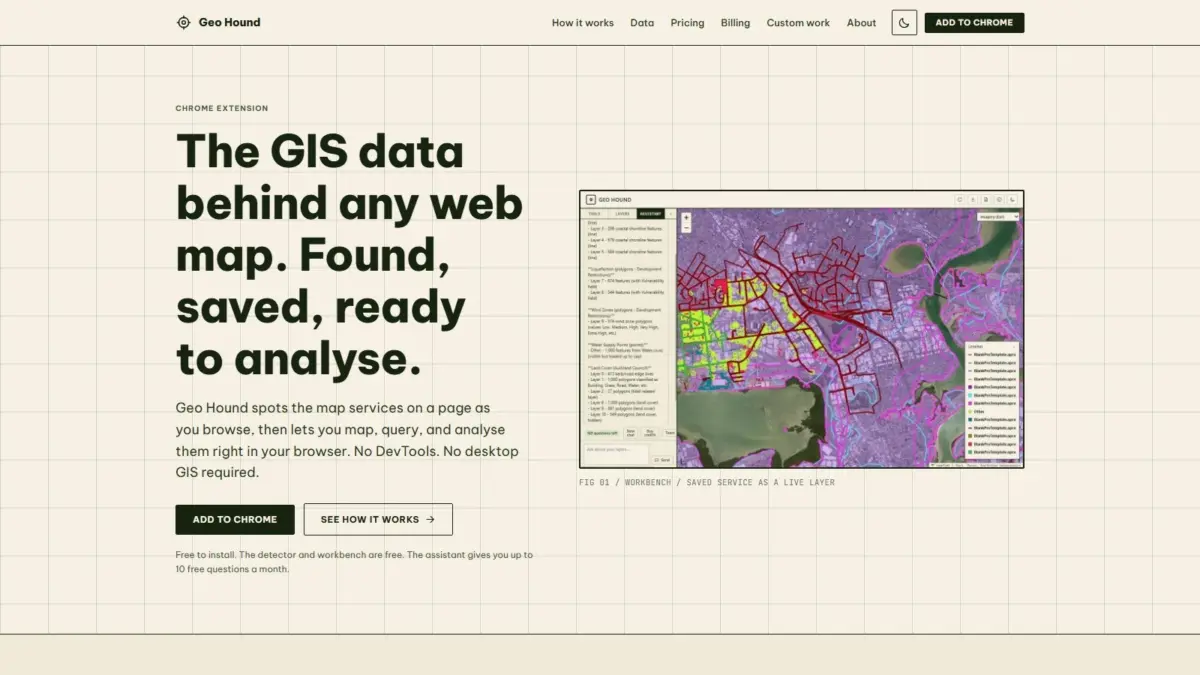
For geographic information system professionals, cartographers, open-source researchers, and spatial data enthusiasts, navigating the modern web often involves interacting with rich, highly responsive web maps. Behind those interactive interfaces lie complex network architectures streaming raster tiles, vector layers, and attribute tables from remote spatial servers. However, identifying the precise origin of that data and extracting the raw underlying geographic layers has historically been a cumbersome task. A newly released browser extension named GeoHound addresses this technical hurdle by automatically detecting, capturing, and analyzing spatial map services directly within Google Chrome as users browse the web.
Developed by geospatial specialist Daniel O’Donohue—the voice and creator behind The MapScaping Podcast—GeoHound is designed to bridge the gap between visual web map client interfaces and back-end spatial server infrastructure. The software functions as both an automated web service detector and an integrated spatial data workbench. By eliminating the traditional requirement to inspect raw network traffic or immediately fire up heavy desktop software, the extension streamlines how geographic data is discovered, inspected, and processed on the web.
Under conventional web browsing workflows, uncovering the source data behind a compelling web map requires a fair degree of technical digging. When a user encounters an interactive map on a news site, municipal portal, or corporate web page, the browser downloads spatial data through background network requests. To locate those underlying service endpoints without dedicated tools, analysts generally have to open browser developer tools, manually filter through hundreds of HTTP requests, inspect individual header responses, and isolate the exact service queries. Once a URL is successfully identified, the user must copy the endpoint and manually import it into a desktop Geographic Information System, such as QGIS or ArcGIS Pro, simply to inspect the underlying attribute schema or perform basic spatial operations.
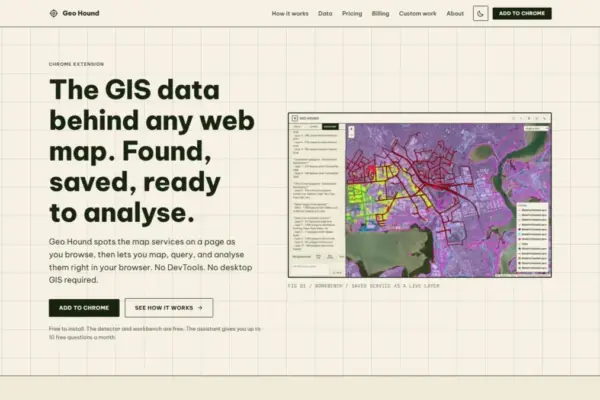
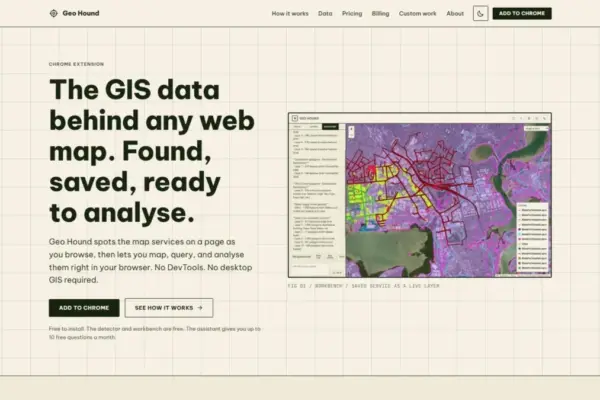
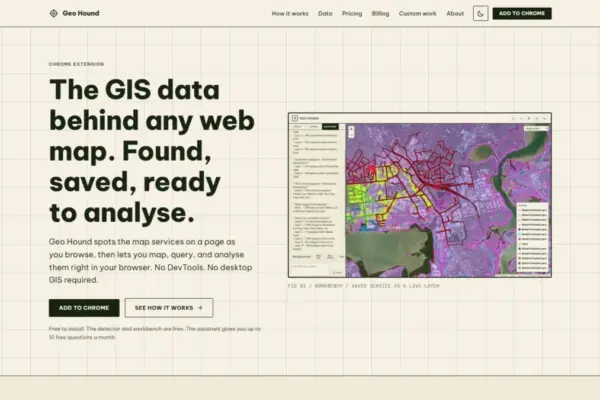
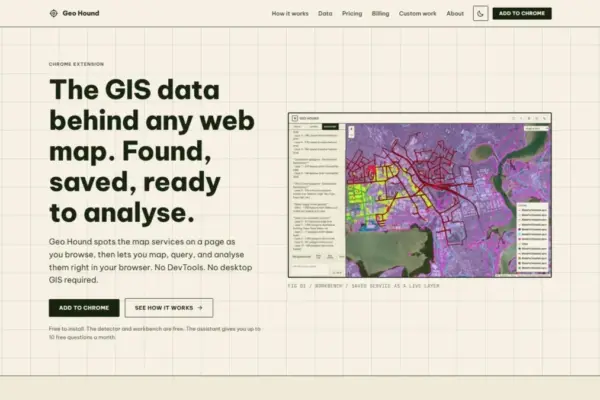
GeoHound eliminates this technical friction by continuously monitoring network activity in the background as a user navigates any website. Whenever a page renders spatial layers, the extension automatically scans incoming data streams and identifies the specific backend spatial protocols powering the map display. GeoHound is built to recognize 29 distinct types of geospatial services and data delivery formats. Its detection capabilities encompass standard Open Geospatial Consortium specifications, such as Web Map Services and Web Feature Services, as well as modern OGC APIs. It also identifies enterprise web mapping standards, including ArcGIS REST services, raster and vector tile services, and standalone spatial data formats such as GeoJSON.
Instead of presenting users with cryptic raw network logs, GeoHound catalogs every detected spatial service in a clean extension panel. Crucially, the tool does not merely grab the basic endpoint URL; it also extracts and saves the rich metadata associated with each identified service layer. Metadata provides vital context regarding spatial reference systems, bounding box coordinates, attribute fields, layer descriptions, and service access constraints. By automatically cataloging this metadata alongside the detected endpoints, GeoHound ensures that users gain immediate insight into the technical structure, geographic coverage, and data quality of a map layer before deciding how to utilize it.
Beyond its passive monitoring capabilities, GeoHound includes a built-in spatial workbench that operates directly within the user’s browser window. Once a web map service or spatial layer is detected and saved, users can launch the workbench tab to view, manipulate, and analyze the dataset without transferring files to desktop software or opening external applications. This native browser environment provides a lightweight, highly responsive canvas for working directly with spatial layers captured on the fly.
The integrated workbench equips users with a suite of fundamental geographic analysis tools designed to handle common spatial data tasks entirely in the browser. Users can filter attribute data to isolate specific features, apply buffer operations around point, line, or polygon geometries, and execute spatial and attribute joins across multiple layers. The workbench also allows users to render vector geometries over interactive map backgrounds, inspect individual feature attributes, and verify spatial alignments. Once analysis or filtering is complete, users can export the modified spatial layers in standard formats, making it straightforward to transfer harvested spatial web data directly into downstream database pipelines, enterprise software, or custom cartographic workflows.
To further simplify browser-based spatial analysis, GeoHound integrates an artificial intelligence assistant directly into its workbench interface. The AI assistant is designed to perform geographic information system tasks on saved data layers through conversational, natural language prompts. Rather than forcing users to write structured database queries, build complex spatial join syntax, or navigate multi-step analytical software menus, the assistant interprets plain English instructions. Users can ask the AI assistant to perform analytical operations, filter specific geographic criteria, or transform saved layers using natural language commands. The assistant then executes the requested spatial operations directly on the selected data within the browser workbench.
This integration of conversational AI with spatial operations significantly lowers the technical barrier for interacting with complex geographic datasets. For non-specialists, journalists, and policy researchers, the plain-English assistant offers an accessible avenue to extract actionable insights from spatial web services without requiring extensive training in GIS desktop applications or spatial SQL syntax. For seasoned spatial professionals, the feature serves as a rapid prototyping and data exploration tool, enabling quick evaluation of web layers during preliminary data gathering phases.
GeoHound’s core service detector and its integrated spatial workbench are offered free of charge. This accessible model ensures that researchers, open-source intelligence analysts, students, urban planners, and spatial technology professionals can adopt the tool without financial software barriers. By delivering automated layer discovery, metadata extraction, and in-browser processing capabilities free of cost, the extension aims to foster broader spatial data transparency and facilitate efficient open-data exploration across the internet.
The creation of GeoHound is rooted in the practical professional experience of its creator, Daniel O’Donohue. As a seasoned geospatial specialist and the producer of The MapScaping Podcast—a prominent media platform in the geographic technology domain—O’Donohue has spent years engaging with industry trends, open-source developments, and spatial software workflows. Through his ongoing discussions with cartographers, software engineers, and spatial analysts, as well as his own hands-on work with geographic data, O’Donohue recognized a persistent operational bottleneck in how professionals inspect and harvest spatial layers dispersed across the public web. GeoHound was built as a direct solution to that practical challenge, designed to make spatial data discovery as intuitive as browsing a web page.
The release of GeoHound highlights a broader trend within the spatial technology sector toward lightweight, web-native analytical tools. Historically, geographic data processing was confined strictly to high-performance desktop hardware running complex software suites or enterprise server clusters. However, modern web standards, coupled with advances in browser-based vector rendering and computational capabilities, have made it increasingly feasible to execute spatial algorithms directly inside web browsers. By bringing service detection, metadata preservation, attribute filtering, buffering, vector joins, and AI-assisted analysis into a single Chrome extension, GeoHound illustrates how spatial data workflows are evolving to become more immediate, connected, and accessible to web users everywhere.