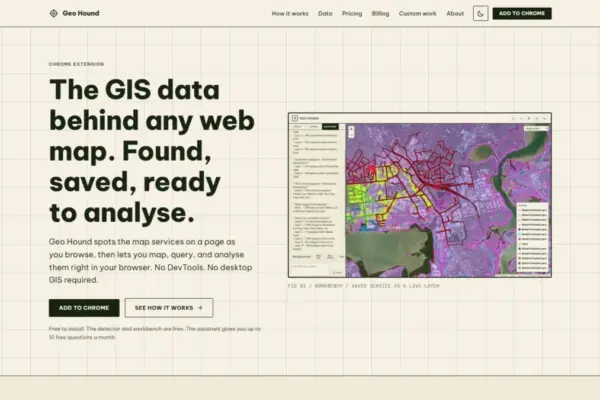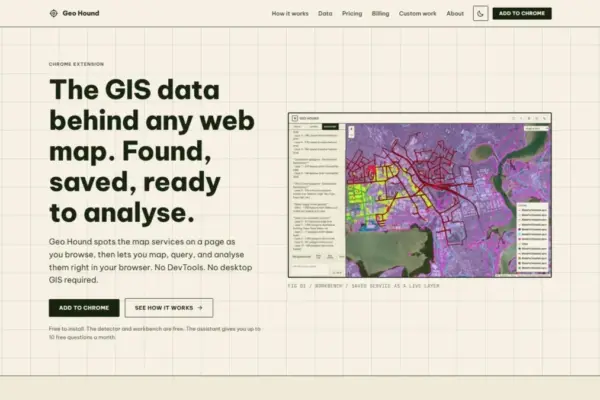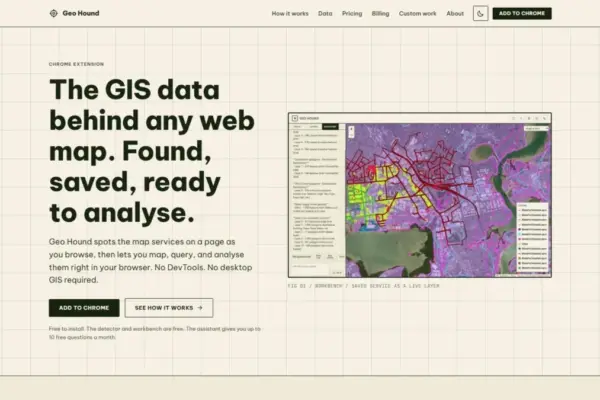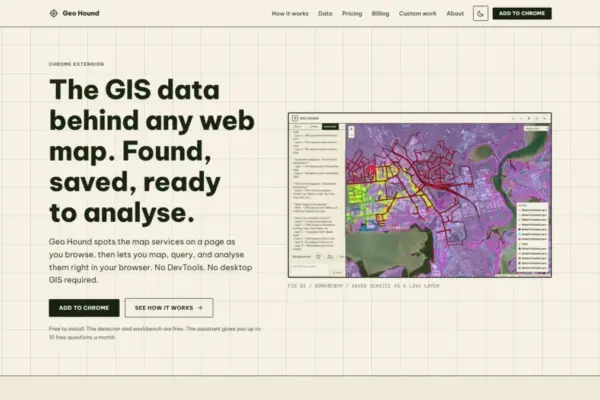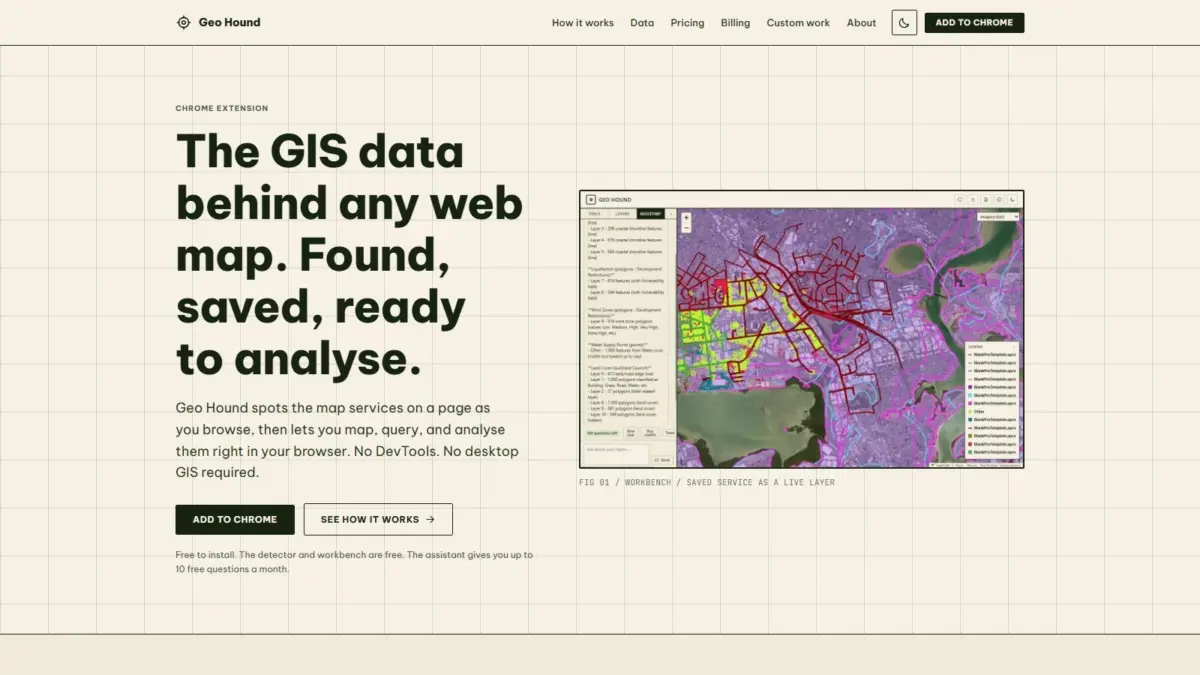
A new Google Chrome extension named GeoHound has been released to help users automatically discover, save, and process geospatial web services embedded within online maps. Developed to eliminate the tedious technical steps traditionally required to locate hidden spatial data endpoints, the tool identifies underlying map feeds in real time as users navigate the web, offering built-in data processing tools and an artificial intelligence assistant directly inside the web browser.
Interactive web maps have become an integral part of modern online communication, utilized across journalism, government portals, commercial platforms, and public research hubs. However, the spatial data layers driving these maps—such as vector features, raster overlays, and tile streams—are often abstracted behind complex web interfaces. Accessing the raw vector or raster streams behind a map historically meant opening web browser developer tools, analyzing network traffic logs, inspecting individual request URLs, or copying endpoints into specialized desktop software. GeoHound targets this friction by operating silently in the background during standard web browsing sessions, instantly detecting when a web page loads geospatial services and making that underlying data accessible without requiring users to dissect developer tools or launch desktop geographic information system (GIS) software.
The extension is designed to identify 29 distinct types of spatial data feeds and services. Among the supported formats are open standard protocols established by the Open Geospatial Consortium (OGC), including Web Map Service (WMS) endpoints, Web Feature Service (WFS) streams, and modern OGC API standards. It also detects proprietary and enterprise service endpoints, such as ArcGIS REST services, along with various tile services including XYZ and vector tiles, and standalone spatial data files like GeoJSON. As these layers are detected while a user explores a web map, GeoHound captures the live service URLs and automatically preserves their associated metadata, giving users a complete record of the source data structure, attribute fields, and service parameters.
Beyond data discovery and detection, GeoHound incorporates a dedicated web workbench built directly into the browser interface. Once spatial layers are detected and saved from a webpage, users can open the workbench to interact with and manipulate the underlying spatial data without transferring the files into external GIS software packages. The workbench features core analytical capabilities that allow users to filter attribute data, apply spatial buffer operations around geometric features, execute table or spatial joins, and export processed datasets into usable file formats. By enabling spatial editing and transformation directly within the web browser environment, the tool streamlines quick analytical tasks that previously required opening desktop applications such as QGIS or ArcGIS.
In addition to its analytical workbench features, GeoHound includes an artificial intelligence assistant capable of performing spatial operations on saved layers using natural language prompts. Users can request complex GIS tasks in plain English, allowing the AI model to interpret the command and execute the corresponding analytical processes on the selected datasets within the workbench. This integration aims to simplify spatial operations, allowing both experienced mapping professionals and non-technical users to query and analyze geographic data without manually constructing complex spatial SQL queries or navigating intricate software menus.
The extension is structured around an accessible software model. The core detection extension, which continuously identifies and indexes spatial endpoints across visited web pages, is free to install and use. The built-in workbench interface, along with its full suite of filtering, buffering, joining, and exporting tools, is also provided free of charge, ensuring that fundamental web map inspection and data extraction remain broadly accessible across the mapping community.
GeoHound was created by Daniel O’Donohue, a geospatial specialist and the creator and voice behind The MapScaping Podcast, a platform focused on geospatial technology, spatial data engineering, and mapping solutions. O’Donohue’s background in spatial analysis and community education informed the development of the tool, addressing long-standing pain points shared by GIS professionals, cartographers, urban planners, data journalists, and researchers who frequently need to inspect and extract web-based spatial datasets.
The launch of GeoHound reflects broader trends within the geospatial industry toward browser-native spatial tools and streamlined web data extraction. Modern web mapping relies on a wide array of service architectures, each presenting unique methods for serving geographic information to end users. Web Map Services (WMS), for instance, render map layers as dynamic raster images on remote servers before delivering them to the user’s client, making raw vector extraction impossible without finding the underlying data source. Web Feature Services (WFS) and GeoJSON feeds, by contrast, deliver actual geometry and attribute information directly to the client interface, allowing for local feature manipulation, styling, and spatial queries.
Similarly, enterprise platforms extensively utilize ArcGIS REST services to distribute multi-layered feature collections, dynamic map services, and image services across public and private infrastructure. The proliferation of modern OGC APIs has further expanded the variety of web mapping standards, introducing lightweight, RESTful patterns designed for easier web integration. For professionals attempting to audit map sources, collect open data, or investigate geographic stories, identifying which specific protocol powers a given web map often required manual investigation of every request flying across the network. By consolidating the detection of 29 different service types into a unified extension, GeoHound standardizes how spatial endpoints are identified across heterogeneous web environments.
The inclusion of client-side spatial operations like buffering, joining, filtering, and exporting directly inside the Chrome browser highlights the evolving performance capabilities of modern web browsers. Historically, geographic processing tasks required heavy computational software installed on local desktop machines due to the processing memory required for spatial index calculations, geometric transformations, and coordinate projections. GeoHound’s workbench leverages modern web technologies to perform these vector manipulations locally in browser memory. A user can, for instance, detect a vector layer on an open data portal, load it into the workbench, apply a spatial buffer to isolate features within a specific distance threshold, filter out irrelevant attribute records, and export the final refined dataset—all within a single continuous workflow inside their web browser.
The natural language AI assistant functionality introduces an alternative paradigm for interacting with spatial data. In traditional desktop GIS environments, executing a spatial filter or buffer requires navigating specific software toolboxes, defining output geometry parameters, and selecting spatial coordinate reference systems. By allowing users to type plain English instructions to run GIS tasks on saved layers, the system translates conversational requests into execution commands on the layer metadata and geometry held within the workbench. This capability is designed to reduce technical barriers for users who understand spatial logic but may not be fluent in specialized desktop GIS software syntax or complex software interfaces.
GeoHound is available as a Chrome browser extension, enabling users to begin capturing web map layers, exploring dataset metadata, performing in-browser spatial processing, and utilizing the plain English AI assistant across the web.