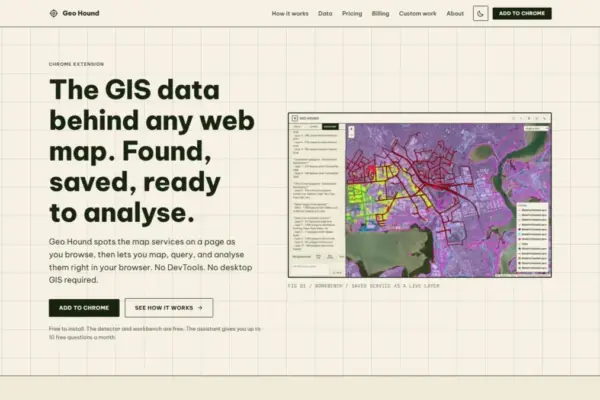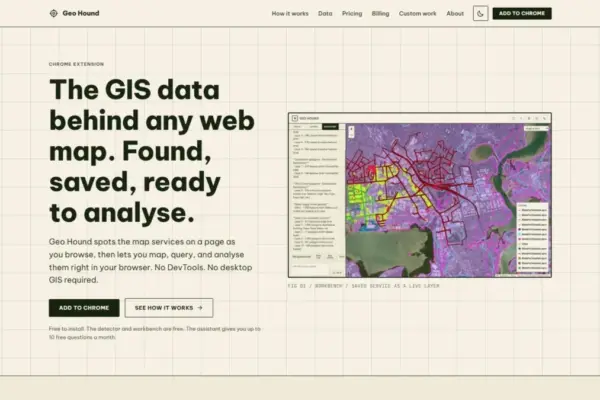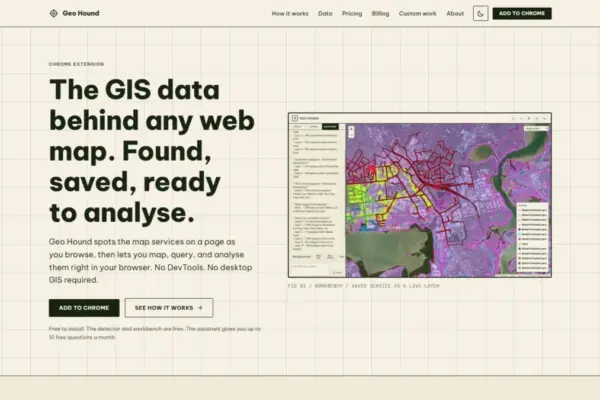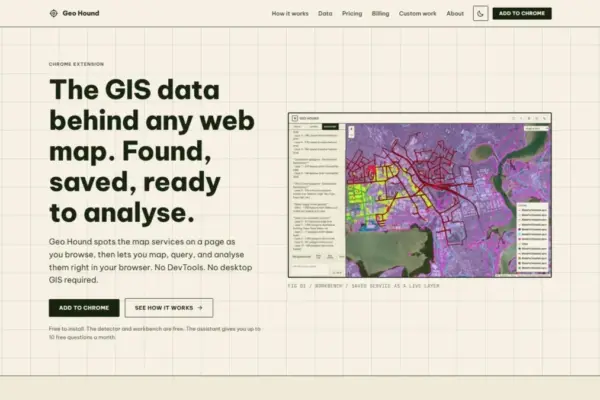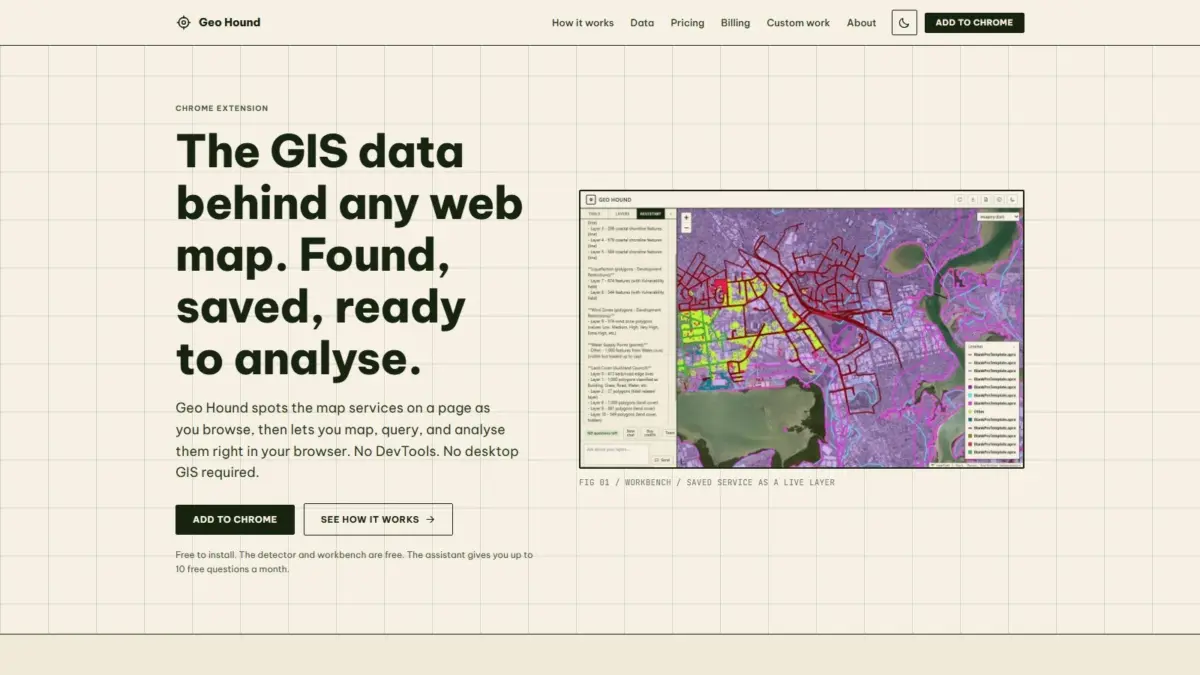
A new browser-based tool aimed at simplifying how geospatial professionals, researchers, and spatial analysts interact with web maps has officially launched. GeoHound, a Google Chrome extension developed to automatically detect and extract spatial data feeds driving online maps, provides users with real-time visibility into the web services operating beneath interactive spatial interfaces. Rather than requiring users to manually investigate network calls or extract raw service links, GeoHound runs seamlessly in the background during standard web browsing, identifying spatial endpoints, saving associated metadata, and supplying a suite of built-in analytical capabilities directly inside the web browser.
Modern web applications across local governments, commercial enterprises, academic institutions, and media organizations rely heavily on interactive map interfaces to visualize location-based information. However, the spatial data layers populating these maps—such as administrative boundaries, environmental monitoring grids, infrastructure lines, and demographic distributions—are frequently rendered through frontend scripts that obscure the underlying data sources. For geospatial specialists seeking to verify, audit, or reuse these spatial feeds, determining where the underlying data lives and how it is structured has historically posed a tedious operational challenge.
GeoHound addresses this long-standing friction by offering comprehensive automated detection across 29 distinct spatial service types and data formats. The extension monitors web page communications to identify widely used open standards and proprietary spatial services alike. Among the supported protocols are Open Geospatial Consortium standards such as Web Map Service (WMS), Web Feature Service (WFS), and modern OGC APIs, alongside industry-standard ArcGIS REST services, raster and vector tile services, and standalone GeoJSON files. As users navigate pages containing map viewers, GeoHound captures the active spatial layers and archives them alongside their critical metadata, including coordinate reference systems, attribute schema configurations, layer boundaries, and server capabilities.
The capability to detect these endpoints automatically eliminates a process commonly referred to among spatial data practitioners as DevTools spelunking. Before the introduction of automated detection extensions, extracting the underlying spatial data from an interactive web map required opening browser developer tools, navigating complex network traffic panels, filtering hundreds of HTTP requests, and manually inspecting header details to identify raw query strings or tile request templates. Analysts then had to manually reconstruct these URLs, test their parameters in separate browser tabs, and verify whether the service endpoints were publicly accessible or restricted by server rules. By replacing this manual inspection routine with automated detection, GeoHound allows users to instantly identify every active map service running on a web page with a single click.
In addition to streamlining data discovery, GeoHound integrates a native spatial workbench directly within the Chrome extension, eliminating the immediate need to launch desktop geographic information system (GIS) software for initial data inspection and processing. Traditionally, once an analyst successfully extracted a WFS URL, an ArcGIS REST endpoint, or a GeoJSON file from a web page, they were required to copy the endpoint, open desktop software such as QGIS or ArcGIS Pro, establish a server connection, and import the layer into a local project file simply to view attribute tables or perform rudimentary spatial queries. This multi-step process often created friction during early-stage spatial research and preliminary data evaluations.
The browser-based workbench built into GeoHound bypasses this desktop reliance by providing a complete set of client-side vector and tabular manipulation tools. Directly within the extension, users can filter saved layers according to specific attribute conditions, isolate subsets of geographic features, and evaluate spatial datasets without leaving the webpage. The workbench also supports proximity operations such as feature buffering, enabling analysts to generate distance-based boundaries around point, line, or polygon geometries. Furthermore, users can execute spatial and attribute joins to combine disparate layers captured during a browsing session, integrating complementary data sources into unified datasets before exporting the refined spatial data into standard GIS formats for downstream modeling or mapping applications.
To further accelerate spatial workflows, GeoHound features an integrated artificial intelligence assistant capable of executing complex GIS tasks through plain English requests. By incorporating natural language processing directly into the layer workbench, the platform allows users to interact with their saved spatial layers conversationally. Rather than manually configuring multi-step spatial query dialogues, writing structured query language expressions, or building custom processing chains, users can simply state what analytical task they wish to perform—such as filtering specific geographic categories, calculating proximity zones, or extracting intersecting spatial attributes. The AI assistant interprets these natural language instructions and applies the requested processing directly to the active layers stored within the workbench environment.
In terms of distribution, both the service detector and the integrated workbench within GeoHound are offered as free tools. This structure provides broad accessibility for spatial analysts, open-data researchers, urban planning professionals, students, and investigative journalists who require consistent access to spatial data discovery without financial barriers. The integration of the plain-English AI assistant complements the free layer capture and workbench capabilities, providing a modern conversational interface for automated spatial operations on top of the gathered datasets.
GeoHound was created by Daniel O’Donohue, a veteran geospatial specialist best known as the voice and creator behind The MapScaping Podcast, a prominent media outlet focused on the geospatial community and spatial technology. Drawing on years of professional experience as a geospatial specialist utilizing spatial analysis to unravel complex real-world problems layer by layer, O’Donohue developed the tool to address recurring pain points in spatial data access and exploratory data analysis. Having spent years analyzing how geographic data is produced and consumed, O’Donohue designed GeoHound to make spatial infrastructure transparent and actionable directly within the software where modern web research begins: the web browser.
The emergence of tools like GeoHound comes at a time when the volume of spatial data published across the internet is reaching unprecedented levels. Municipalities, federal agencies, non-profit organizations, and private enterprises routinely publish high-value geographic datasets through interactive dashboards, open data portals, and web-based spatial applications. However, the sheer variety of spatial server architectures—ranging from legacy OGC services to modern vector tile endpoints—frequently creates a fragmented environment where accessing the raw, underlying data feed remains surprisingly difficult for end users. By systematically cataloging 29 distinct service types, GeoHound offers a standardized bridge between modern web mapping frontends and backend spatial data infrastructure.
The tool’s focus on metadata retention is particularly significant for spatial data governance and reproducible research. When spatial data feeds are captured through manual processes or basic screen scrapes, vital metadata concerning coordinate transformations, feature attributes, datum definitions, and server update schedules is often lost. GeoHound automatically captures and stores this contextual metadata alongside the spatial feeds in the user’s workbench. This ensures that when layers are filtered, buffered, joined, or exported, the resulting datasets retain the structural integrity and spatial provenance necessary for rigorous mapping, academic research, and municipal planning applications.
Furthermore, the ability to perform lightweight GIS processing directly inside a web browser reflects a broader technological evolution within the geospatial industry. As web browsers have become increasingly capable of handling complex vector operations and client-side rendering, the traditional division between light web map viewing and heavy desktop GIS processing is beginning to blur. By embedding spatial filtering, buffering, attribute joining, and natural language AI processing into a Chrome extension, GeoHound demonstrates how browser-based environments can host sophisticated, multi-step spatial engineering workflows without placing heavy processing demands on local desktop infrastructure or requiring complex software installations.
Ultimately, GeoHound represents a practical advancement in spatial data discovery and client-side web analysis. By combining automated network detection across 29 spatial service protocols, metadata archival, an in-browser processing workbench, and plain-English AI automation, the extension equips users with a comprehensive toolset for navigating the modern geospatial web. Whether used by spatial professionals auditing public open-data platforms, researchers gathering geographic layers for field studies, or analysts seeking to bypass traditional DevTools inspection routines, GeoHound streamlines the path from observing a web map to working directly with its underlying geographic data.